Media Library
Last updated: October 5, 2026
The Media Library is a comprehensive tool that allows your organization to store media that surfaces throughout your website, programs, or internal needs. Whenever you have content in the Media Library you can then use it throughout your Memberworks website and programs. All Media to be used throughout Memberworks must be placed in the Media Library first.
What can be imported to the Media Library?
Photos
Videos
PDF Documents
How to Access the Media Library:
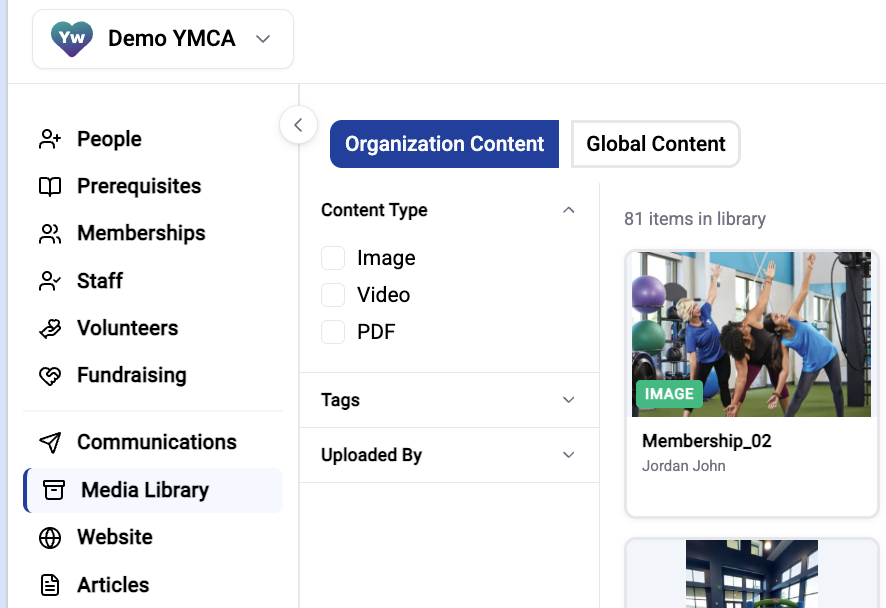
Click Media Library on the Left Rail
How to add content the Media Library:
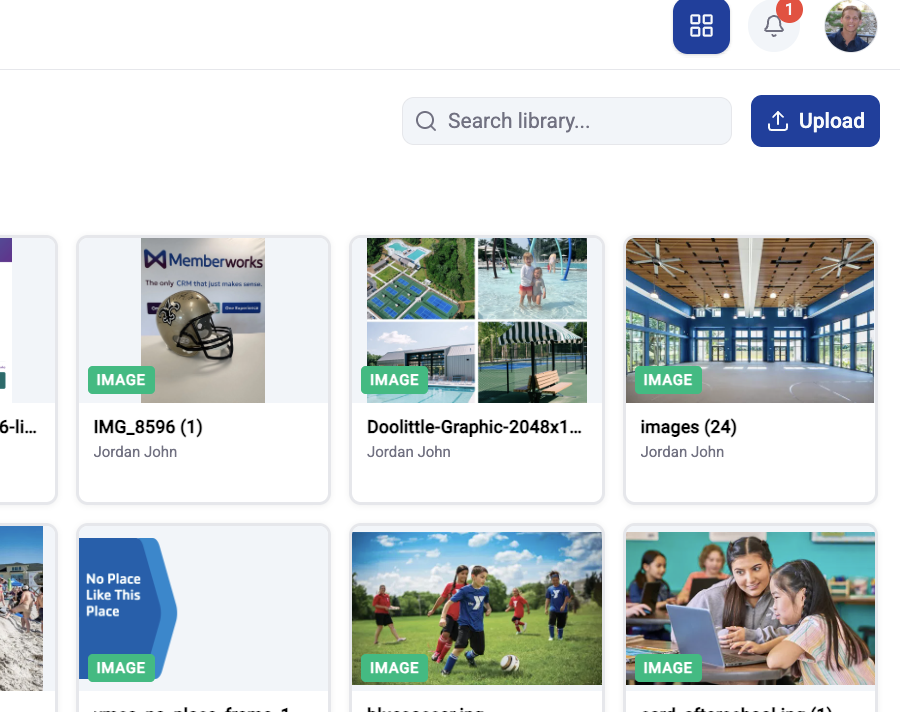
Click Upload in the Upper Right
Browse files, drag and drop directly into the blue box, or upload a video link

Click Add to Library
NOTE: you can add multiple items to the library at the same time