How Manually Add People to a Program
Last updated: August 28, 2026
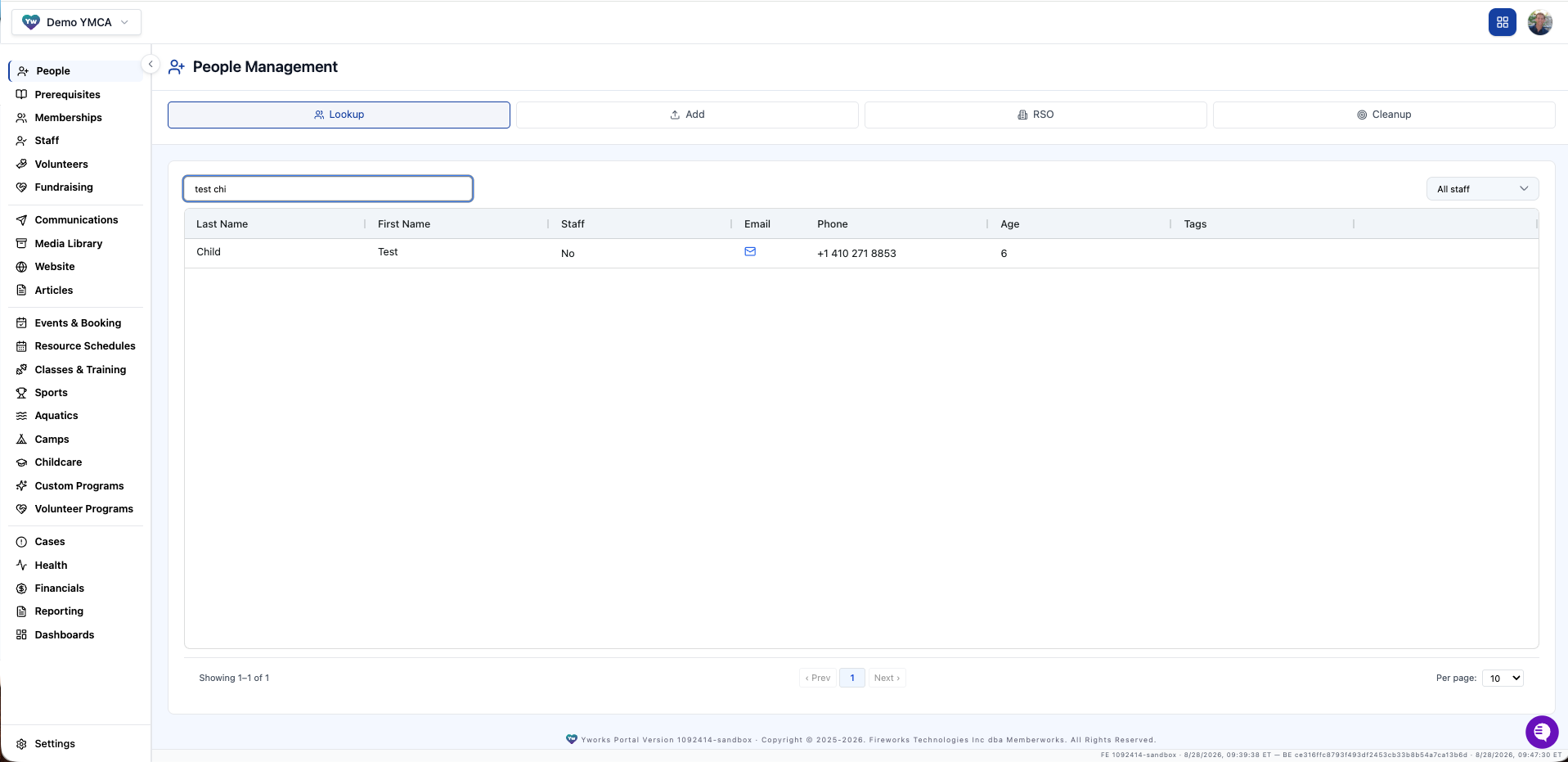
Click the People tab on the left rail menu item
Search for the person you want to register for the program and click the person
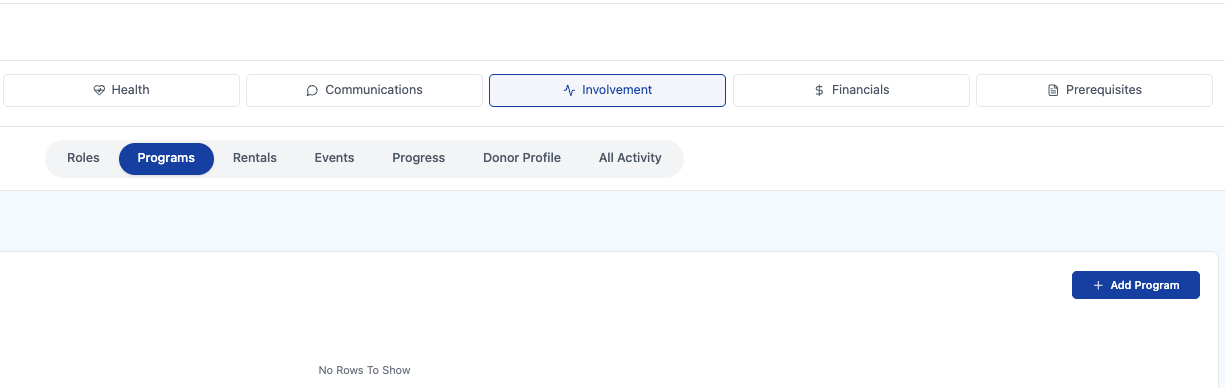
Click the Involvement tab on their profile > Programs > Add Program
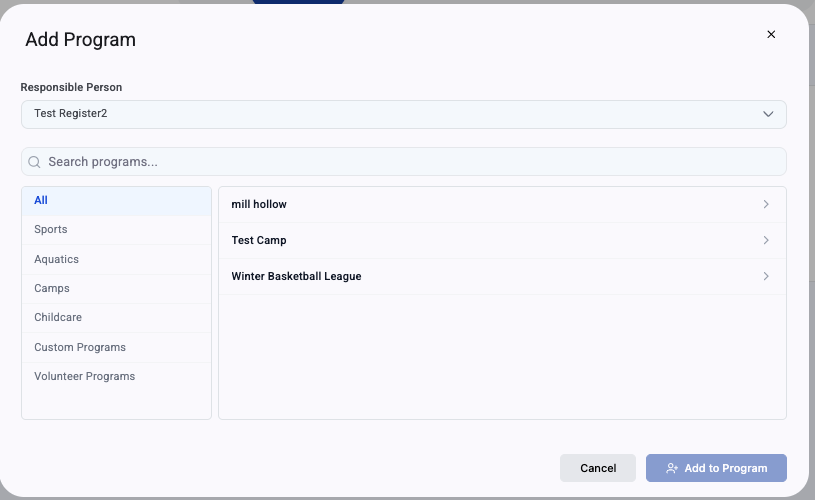
Search the program you want to add them too
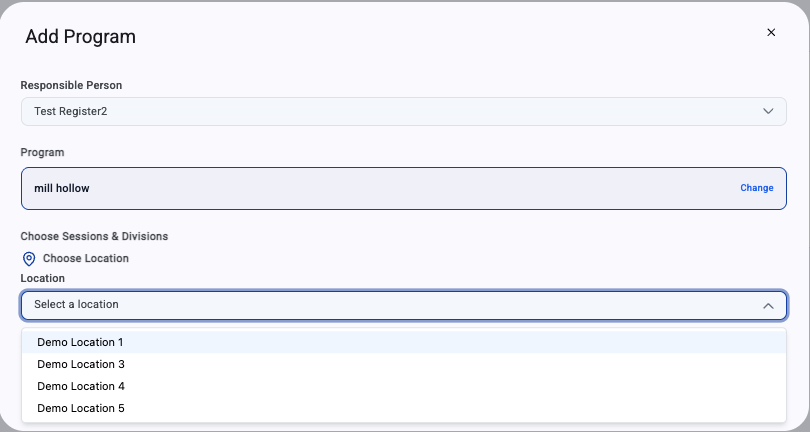
Select the correct Location > Session > Division > Submit
If the person is not paying now then you are finished adding them to the program. Proceed with step 7 if they are paying now:
Click View Invoice
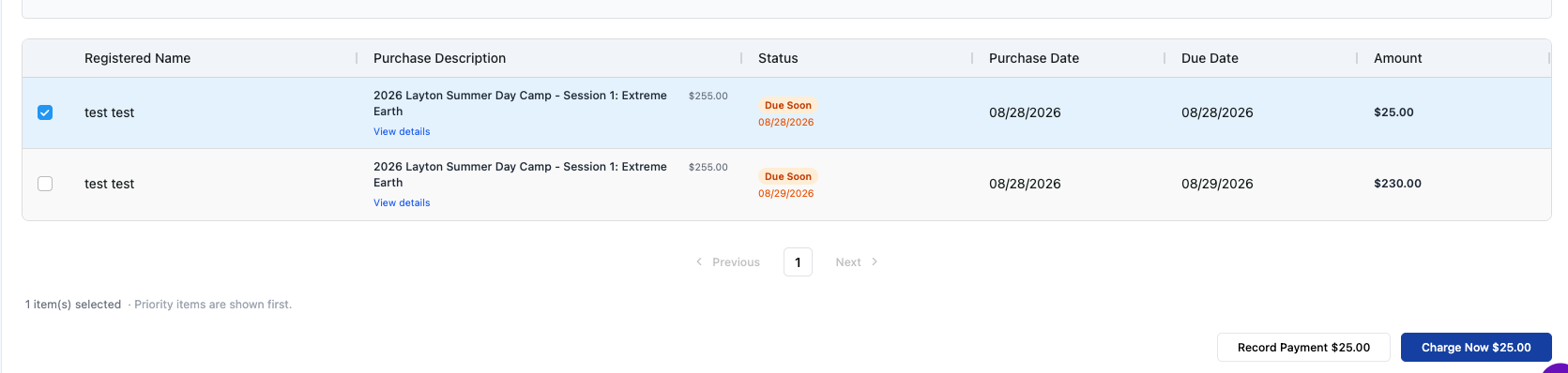
Click the checkbox on the invoice of the program you just registered for and click Record Payment OR Charge Now
Record Payment: Recording cash or check
Charge Now: Will allow to charge a card on file or add a new card
Prerequisite Completion
If there are required prerequisites the parent can complete them from their account or you can complete on their behalf
Click Prerequisites > Pending To-Dos