3rd Party Billing - Who is Receiving and How Much?
Last updated: October 5, 2026
This article details how to find out who is receiving 3rd Party Billing Subsidies and how much they are receiving.
We will look at this from:
The Member Profile
Financials Left Rail Item
Reporting
Viewing 3rd Party Billing from the Member Profile:
Click People > Search for the member
Click the Member
Financials > Billing Information
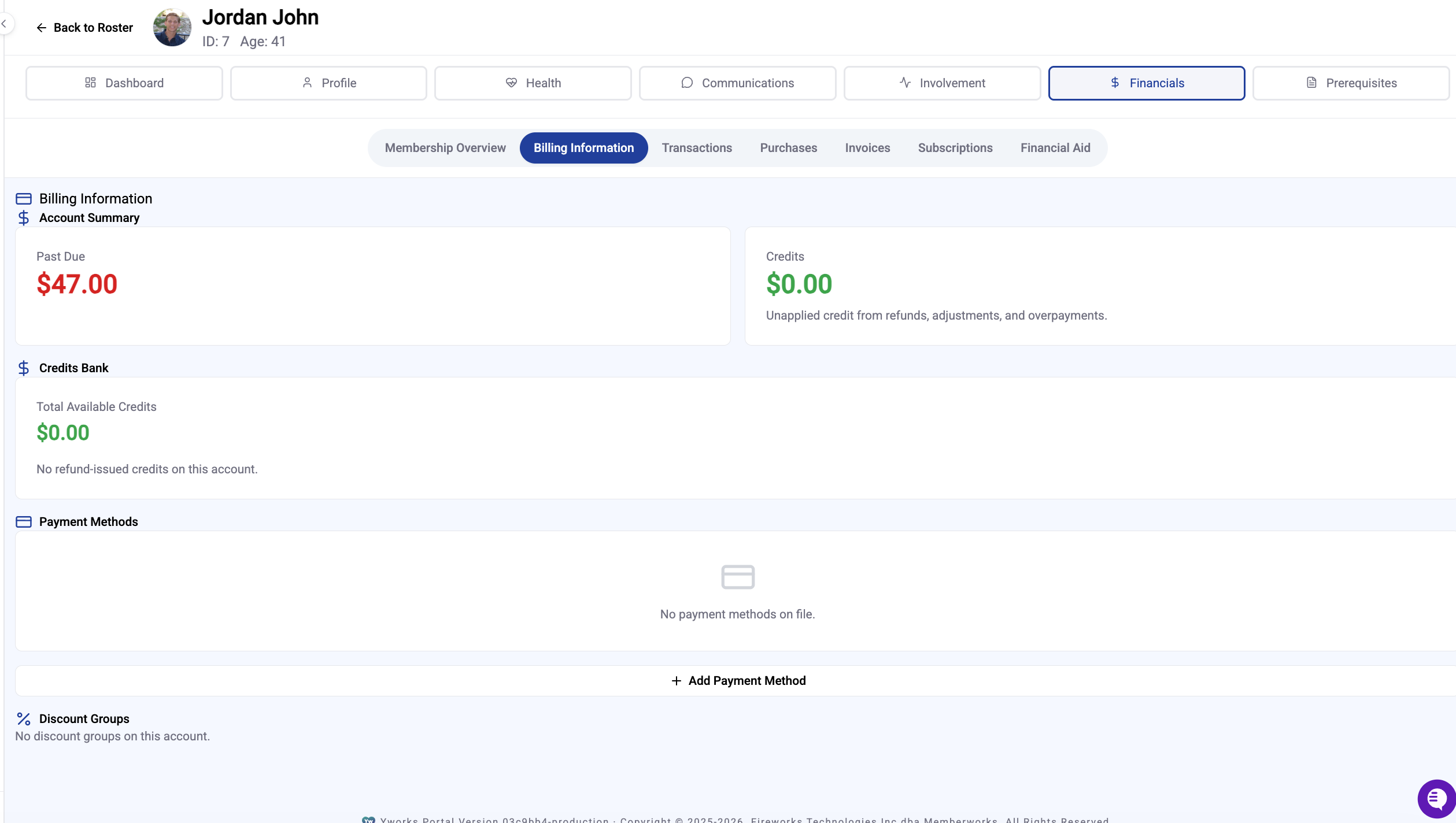
All 3rd Party Groups will be listed under Discount Groups
Viewing 3rd Party Billing From Financials:
Click Financials > 3rd Party Billing tab
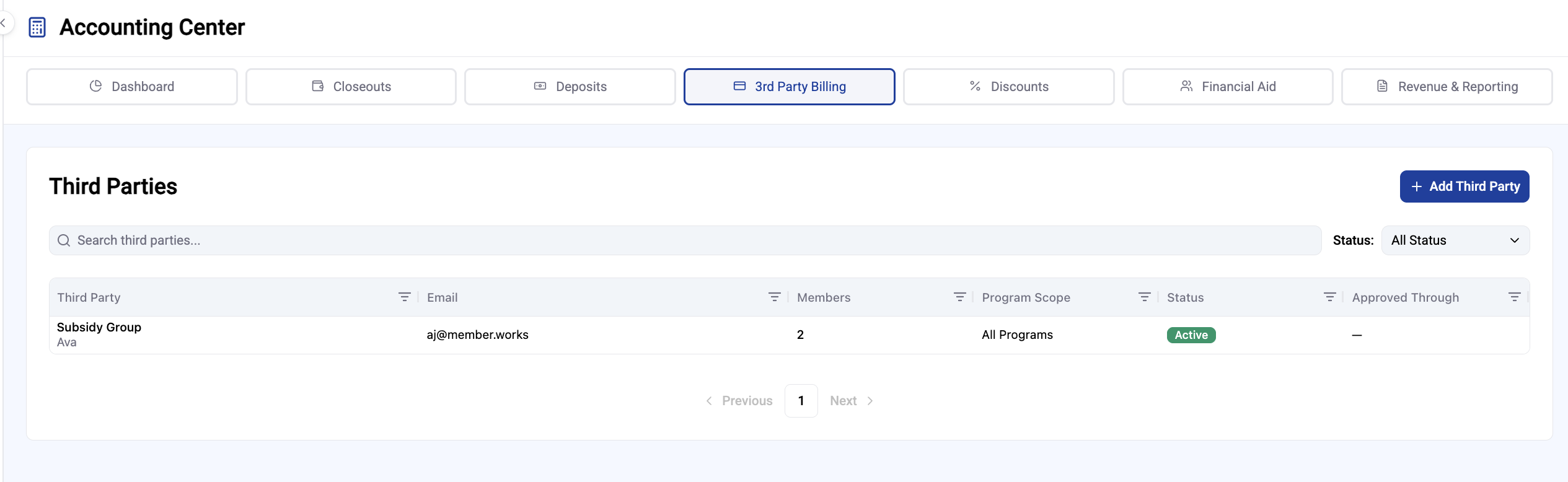
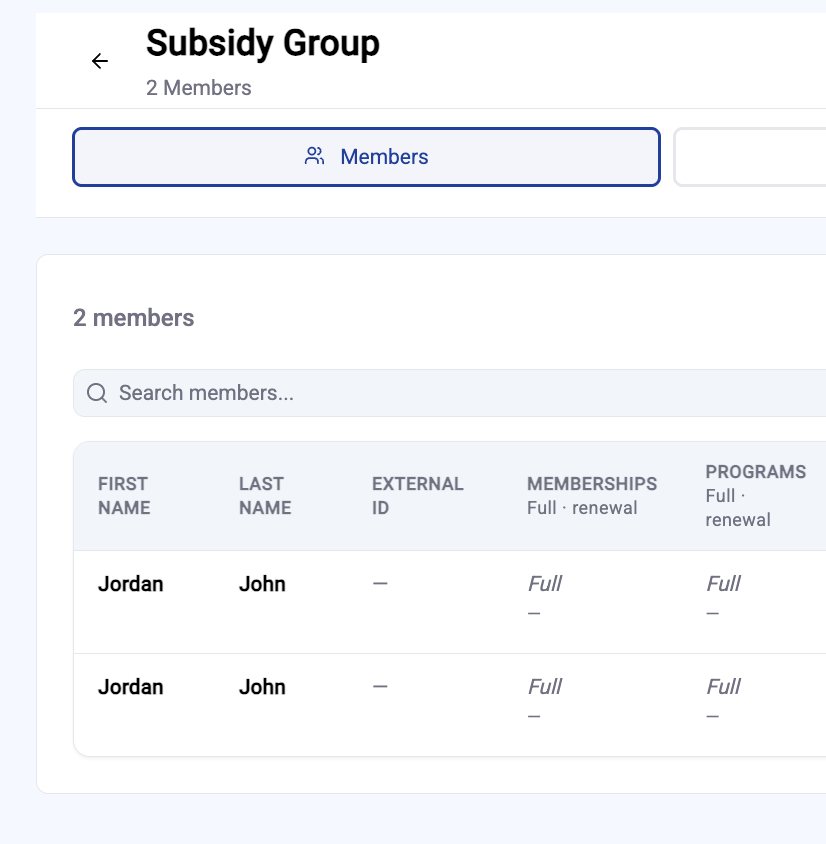
Find the Group they are in
Search their name in the Member table
Viewing 3rd Party Billing from Reporting:
Click Financials > Revenue and Reporting > Reports
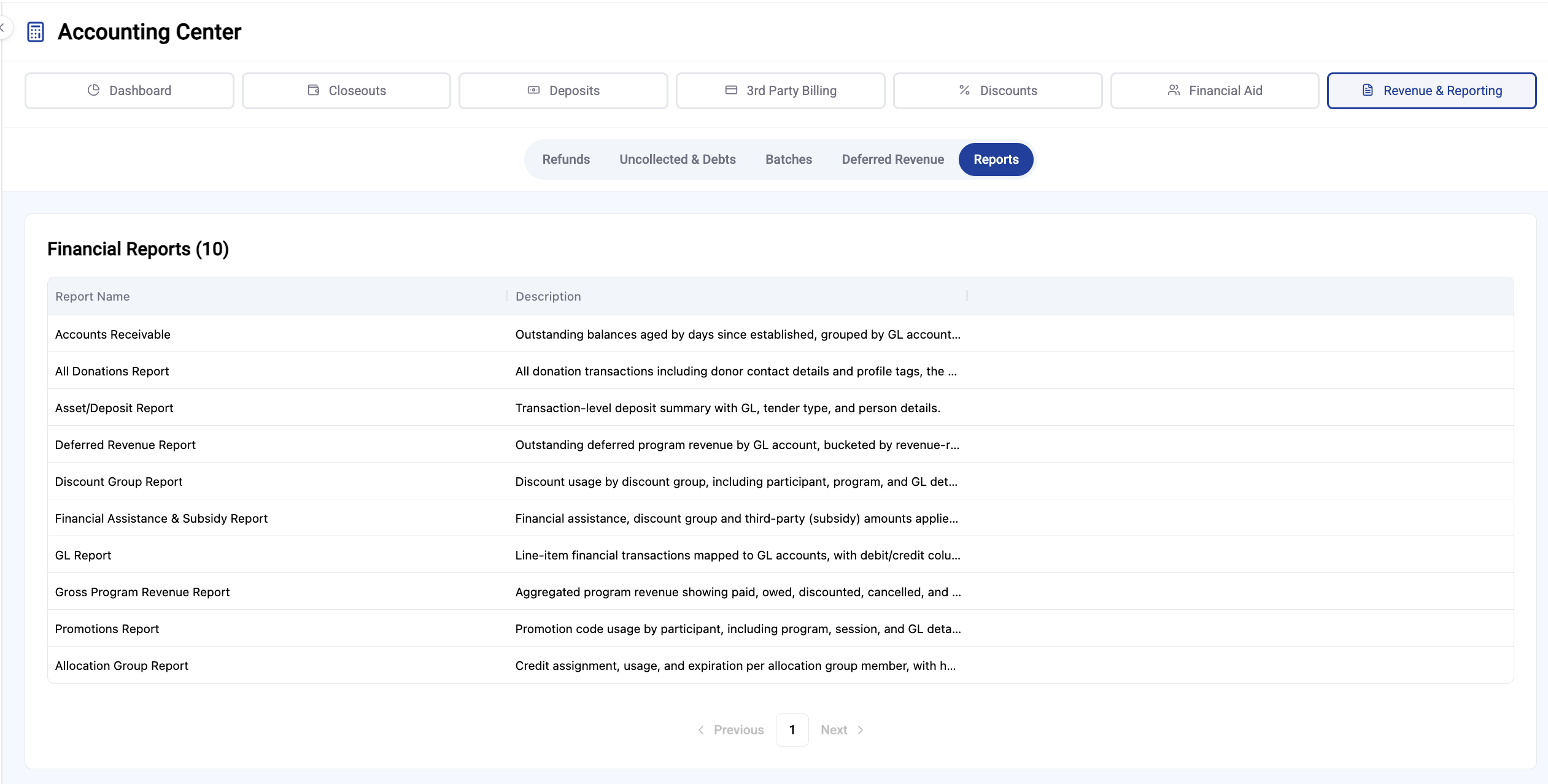
Click Financial Assistance & Subsidy Report
Click Run Report in the Upper Right
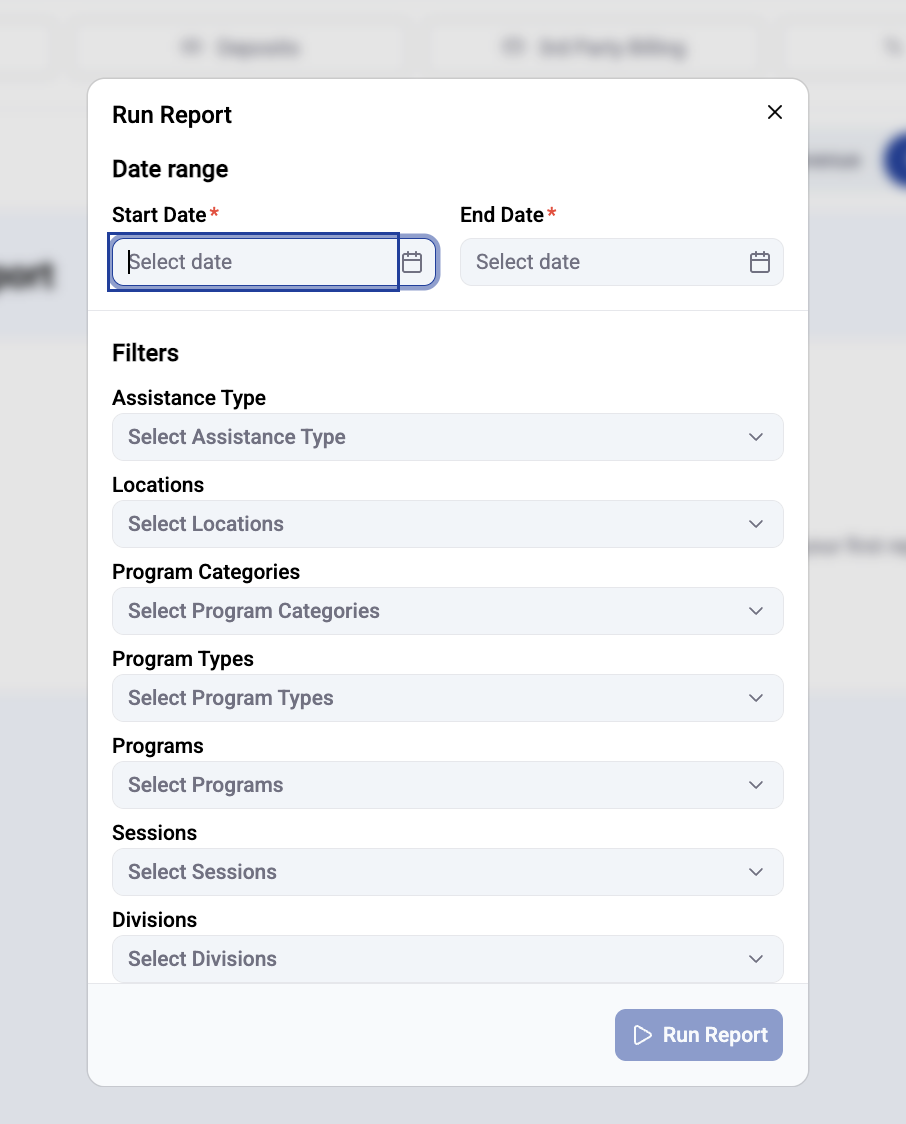
Select Report Filters and Run Report